uefi-ui
uefi_ui
A no_std + alloc immediate-mode UI library targeting UEFI firmware, with a pixel-perfect
Bedrock-style visual system (3D bevels, teal desktop, navy title bars).
If you like this thing i made, please visit my website and consider donating some to power me with coffee, thanx :-)
What it is
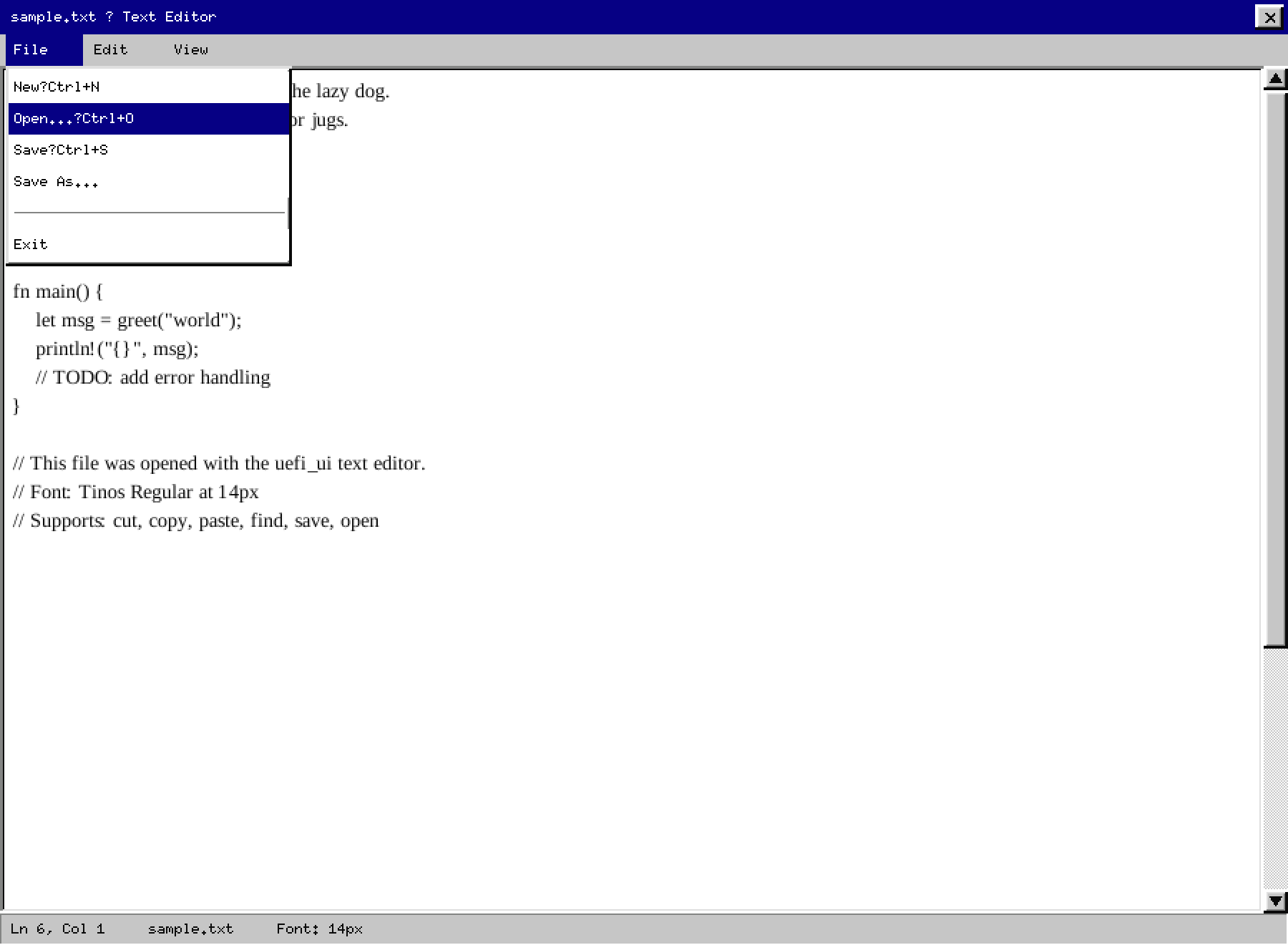
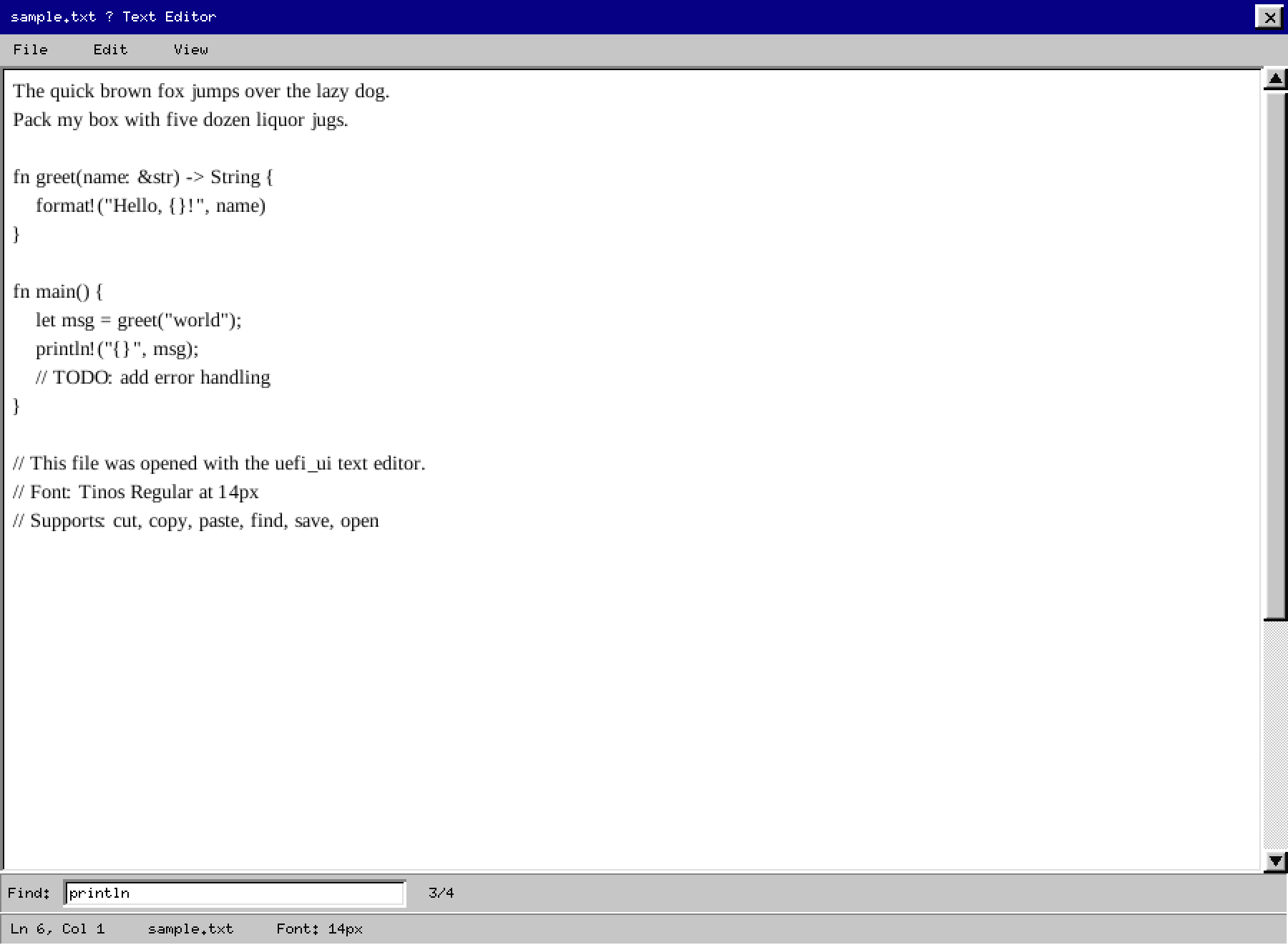
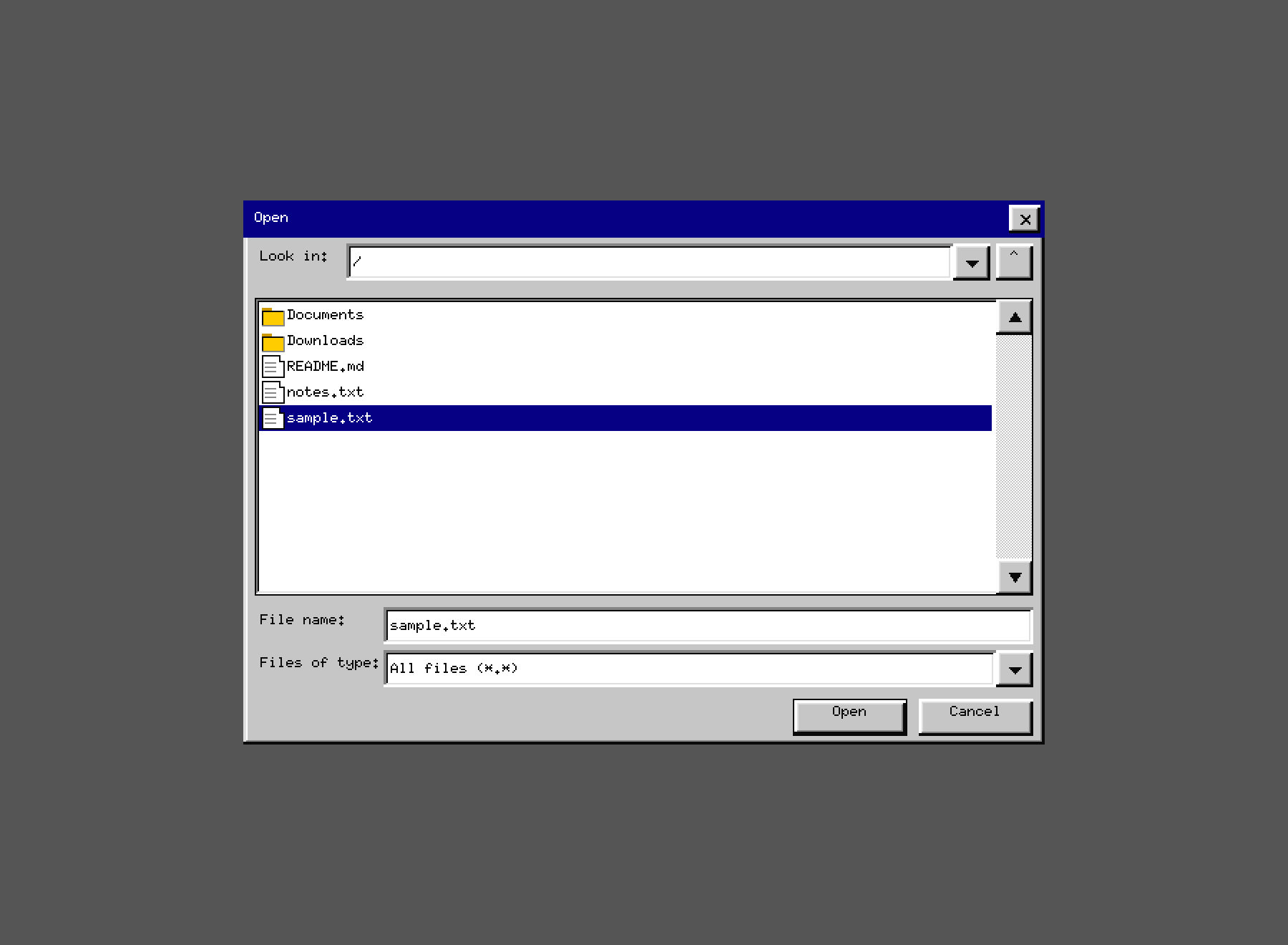
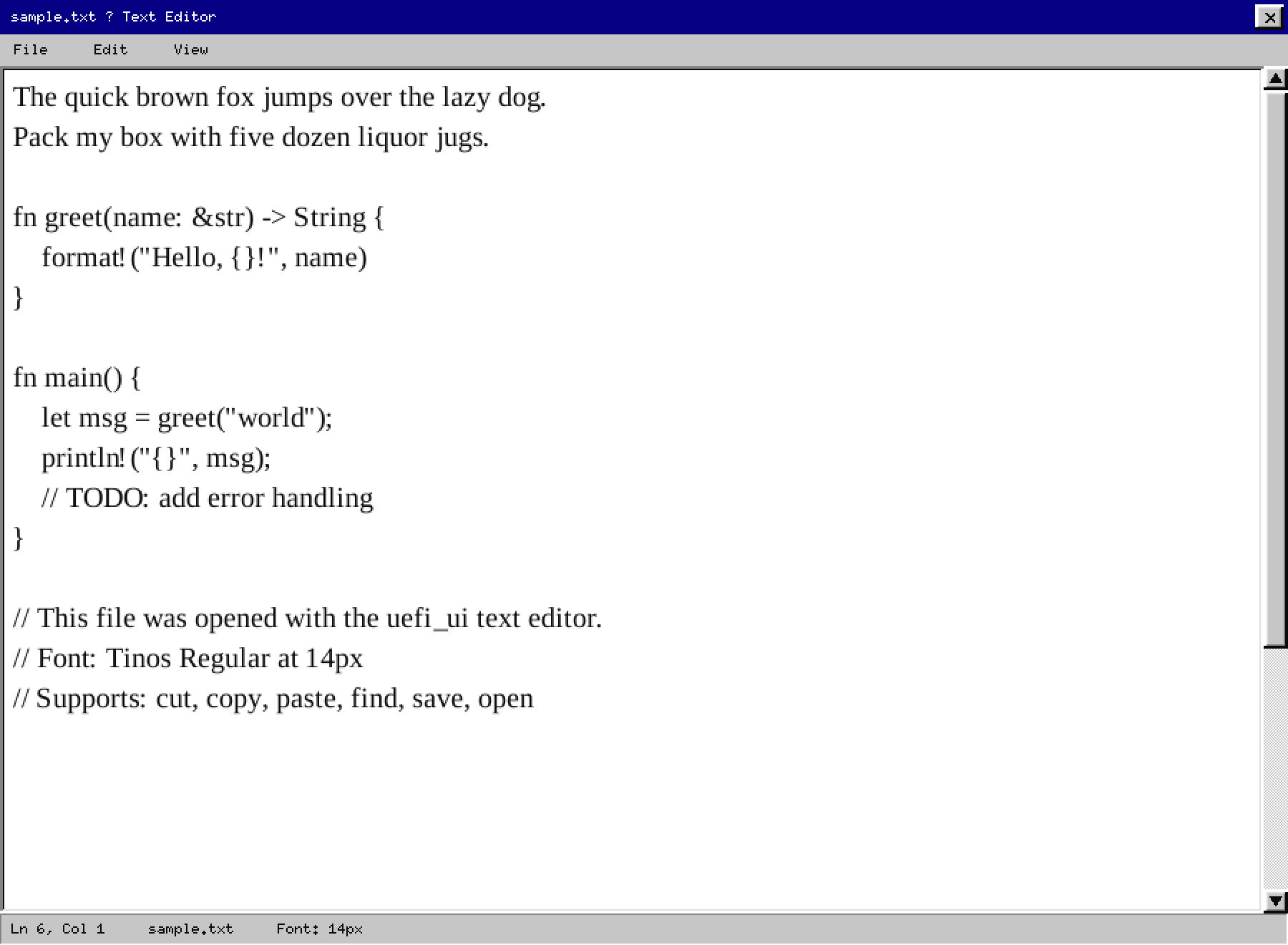
uefi_ui– widget state, layout, keyboard/mouse abstractions, Bedrock chrome helpers, file picker with root-clamping and persistent last-dir, editor settings persisted in UEFI NVRAM. Runs on bare UEFI with no operating system underneath. 105 unit tests, runs on host withcargo test.skriver– bootable UEFI text editor. Boots directly to a full-screen editor. File picker rooted to user-accessible USB/removable volumes (EFI partitions hidden). Settings (font size, theme, last file, last directory) persisted in UEFI NVRAM between boots. Build withmake build-skriver; bootable ISO withmake iso-skriver.uefi_ui_test(crates/uefi_ui_demo/) – end-to-end test app exercising all widgets under UEFI / QEMU. Used bymake qemu.uefi_ui_prototype– Linux-hosted simulator for fast visual iteration (PNG output, optional SDL2 window).
Build & Run
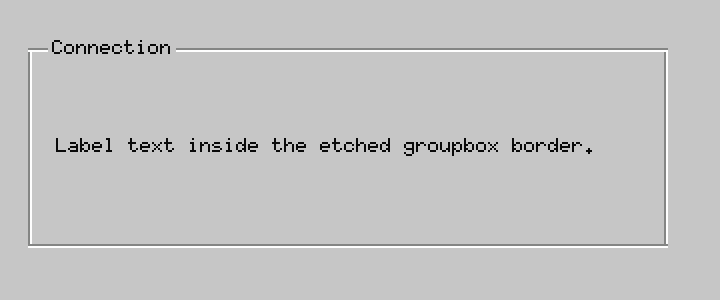
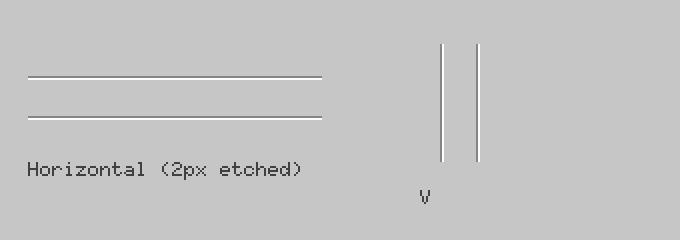
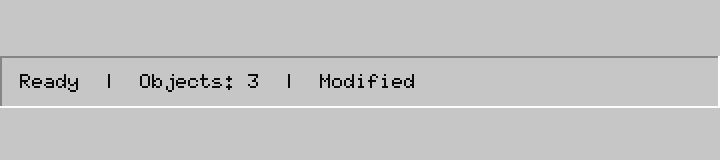
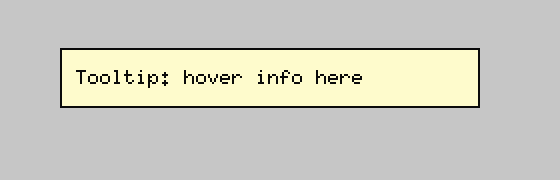
Static screenshots (no dependencies)
cargo run -p uefi_ui_prototype --bin showcase
# Writes docs/screenshots/*.png
Library tests (host, no UEFI required)
cargo test -p uefi_ui
# 105 tests: widgets, file picker, editor settings, layout, framebuffer
Live SDL2 window (requires libsdl2-dev)
cargo run -p uefi_ui_prototype --features sdl             # widget gallery
cargo run -p uefi_ui_prototype --bin editor --features sdl # text editor
skriver – bootable text editor
make build-skriver   # cross-compile for x86_64-unknown-uefi
make iso-skriver     # produce target/skriver.iso (needs mtools, xorriso, dosfstools)
# Boot in QEMU:
qemu-system-x86_64 -machine q35 -m 256M \
  -drive if=pflash,format=raw,readonly=on,file=/usr/share/OVMF/OVMF_CODE_4M.fd \
  -drive file=target/skriver.iso,format=raw,if=none,id=cd \
  -device ide-cd,drive=cd,bus=ide.1
UEFI test app (widget gallery + editor)
make build-uefi   # cross-compile uefi_ui_test
make qemu         # boots in QEMU with OVMF + FAT ESP
make iso          # bootable ISO at target/uefi_ui_demo.iso
Documentation
| Document | Contents |
|---|---|
| Design Manual | Visual language, color palette, spacing rules, full widget gallery with screenshots |
| Theming Guide | How to use Theme, BedrockBevel, and bedrock_controls to build or customize the look |
Screenshots
Widgets
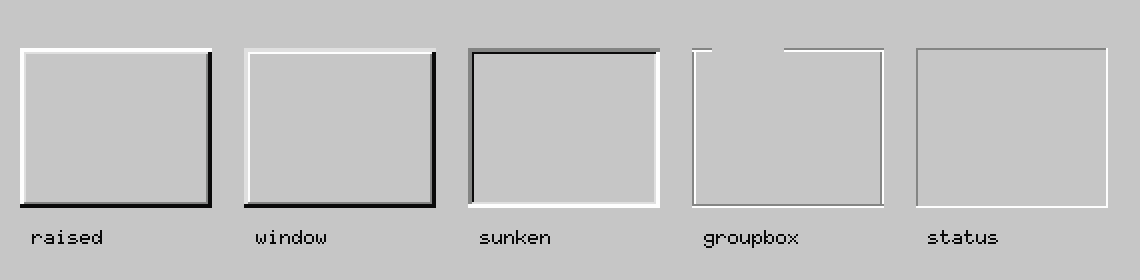
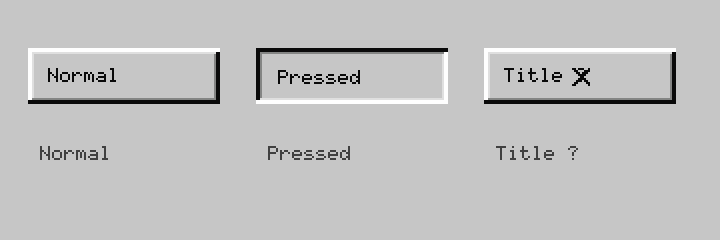
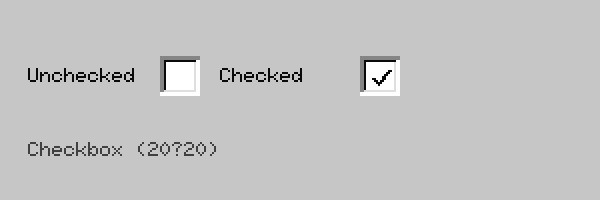
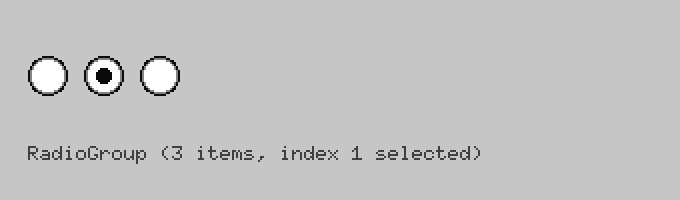
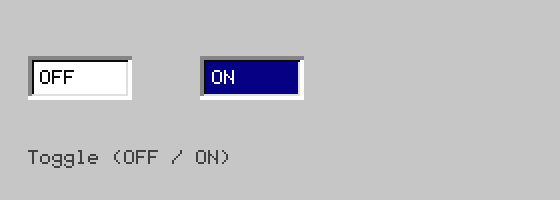
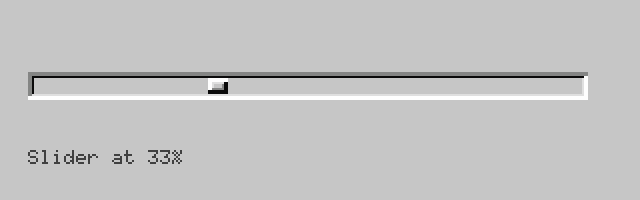
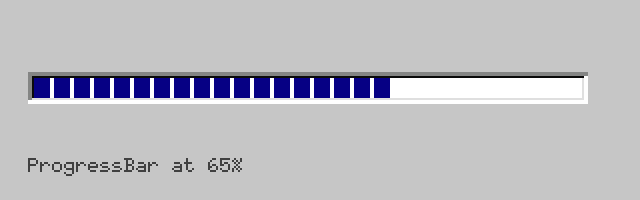
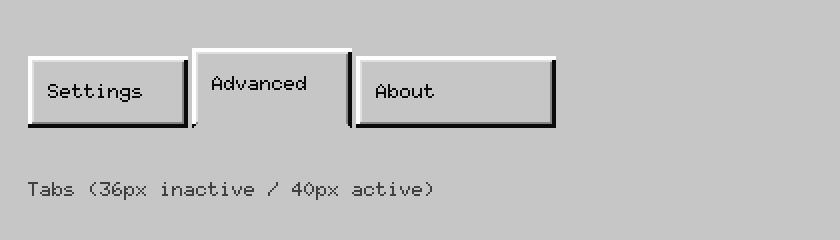
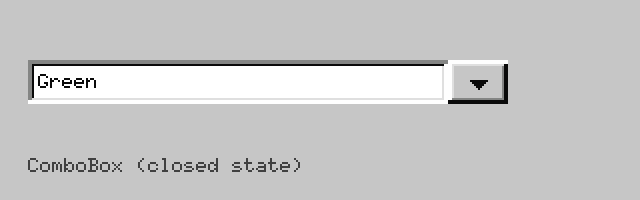
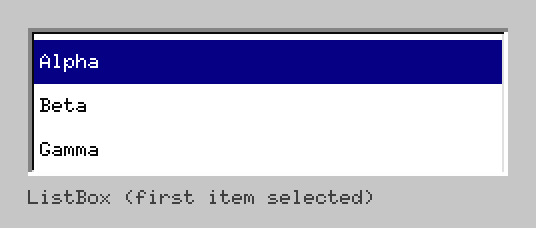

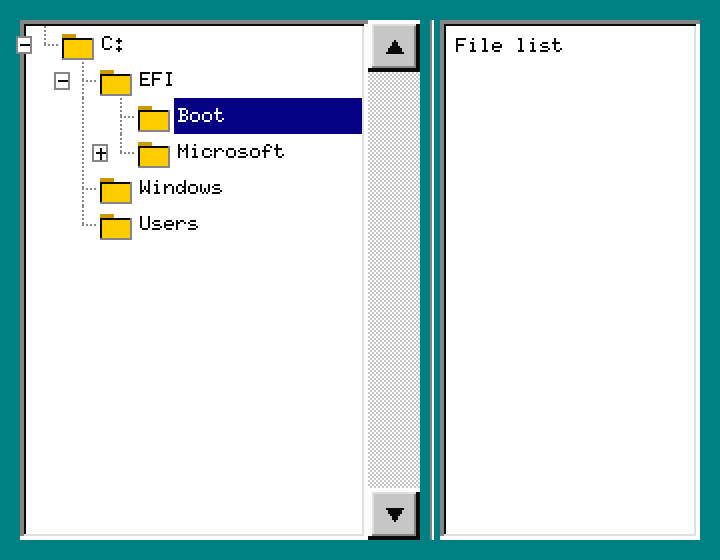
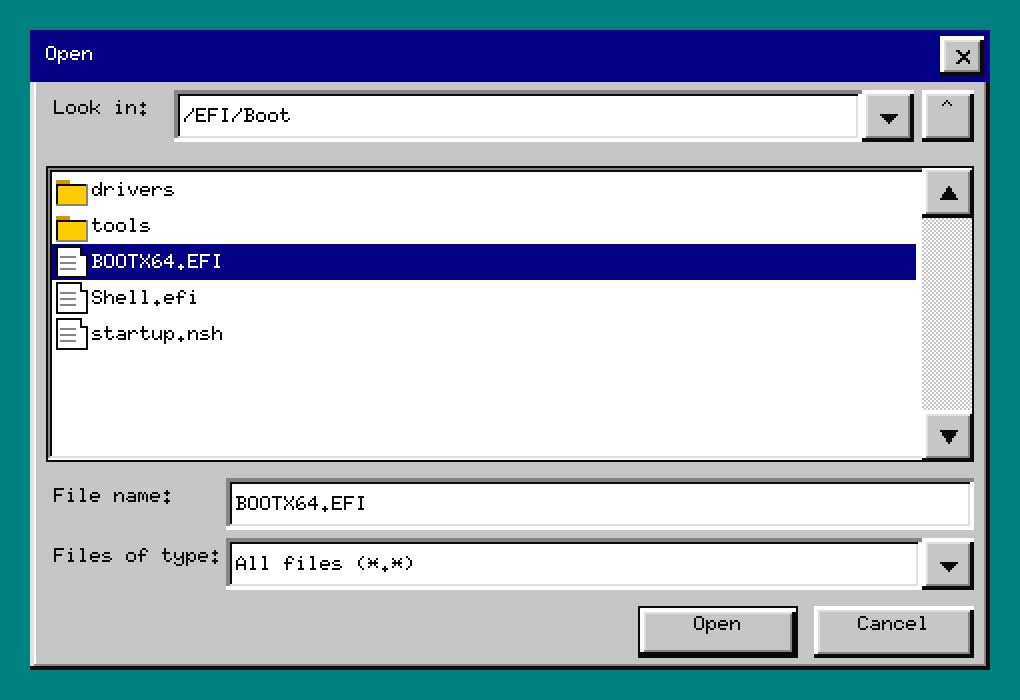
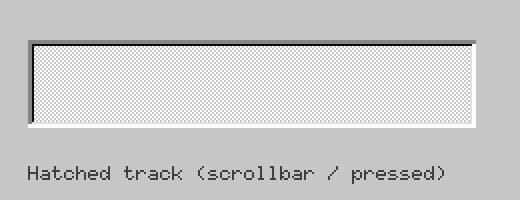
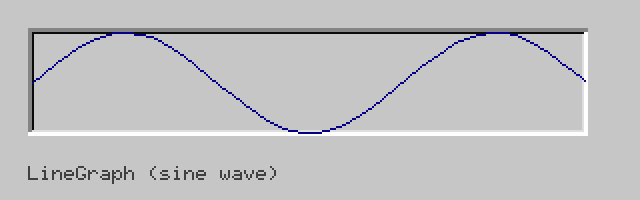
Editor
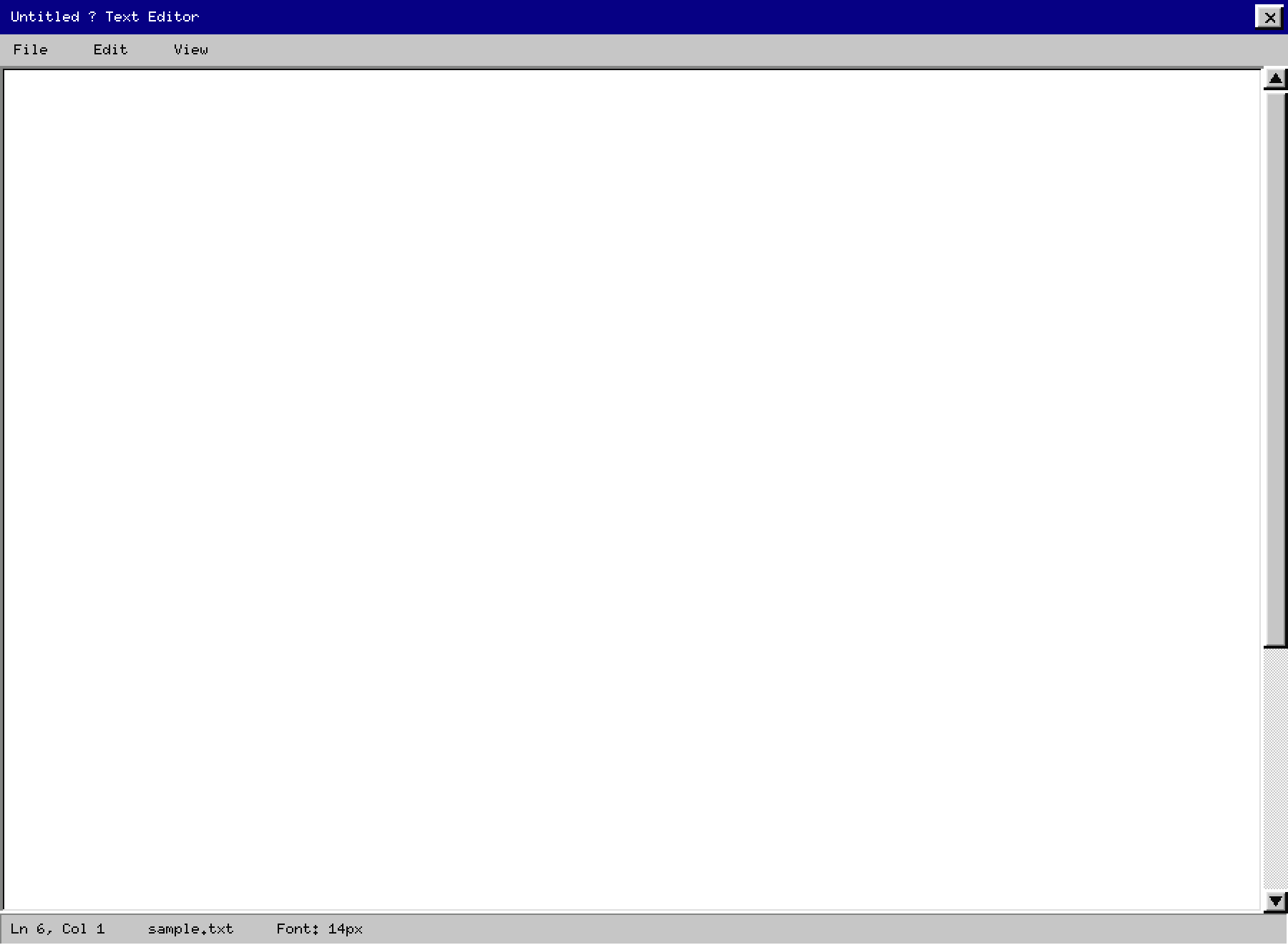
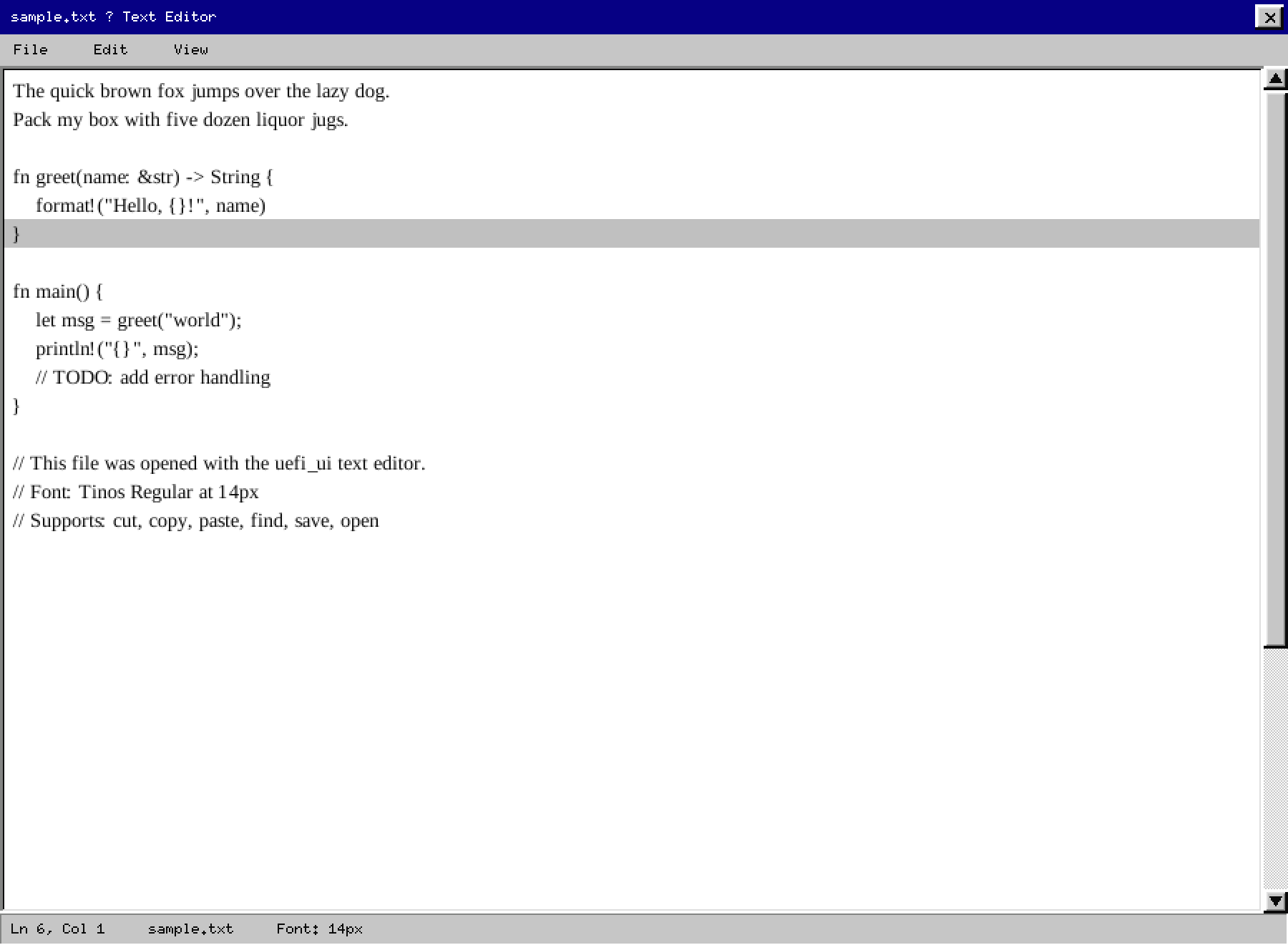
Decorative